Automatic saving
A new version is created automatically whenever a meaningful change happens — no manual checkpoint needed.

Version History in Qubase is scoped per Project, not per Workspace. Every project keeps its own independent trail of ERD diagrams, database schemas, SQL/DBML scripts, and change history. A change made in one project never bleeds into another project's version history, even if both live in the same workspace — so each team's schema evolution stays cleanly isolated.
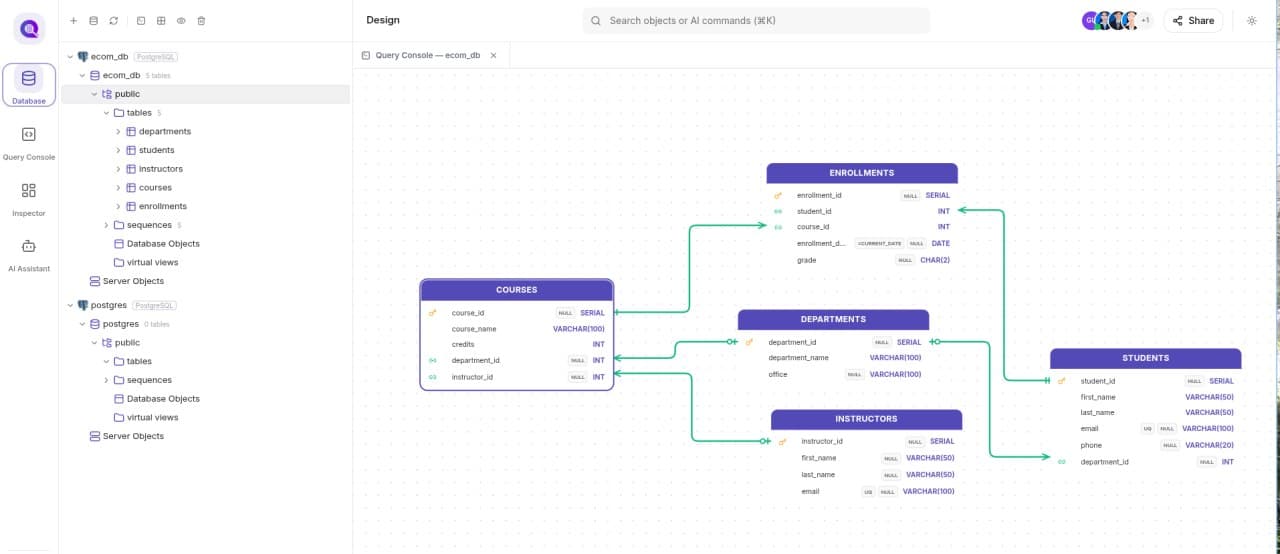
From your first table to a production-ready schema, every step stays visual, synchronized, and dependable.
A new version is created automatically whenever a meaningful change happens — no manual checkpoint needed.
Select any two versions to see exactly what changed in tables, columns, relationships, and constraints.
Every version is listed with its number, creator, timestamp, and a short summary of what changed.
Authorized users can roll the project's database model back to any earlier version.